Simple Bevel
Round or chamfer edges in one step.Bulatkan atau potong miring edge dalam satu langkah.
Free SketchUp extension · Windows & macOS · SketchUp 2021+ · VersionExtension SketchUp gratis · Windows & macOS · SketchUp 2021+ · Versi 1.5.1
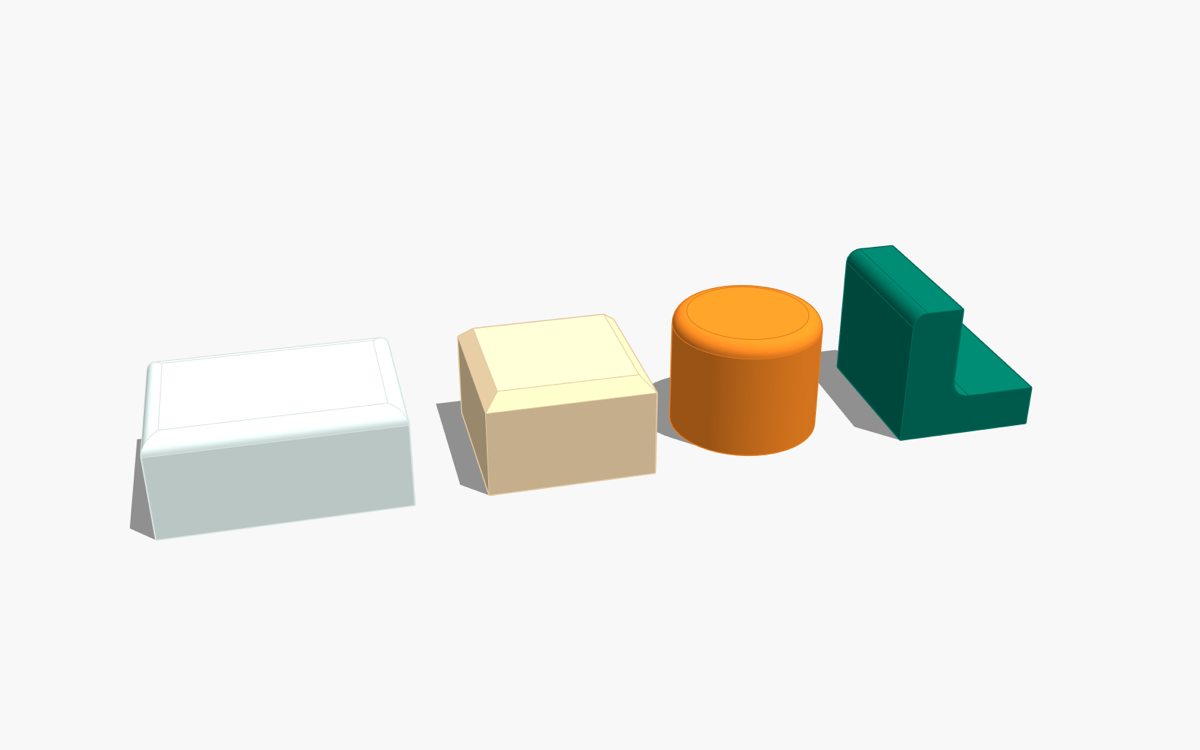
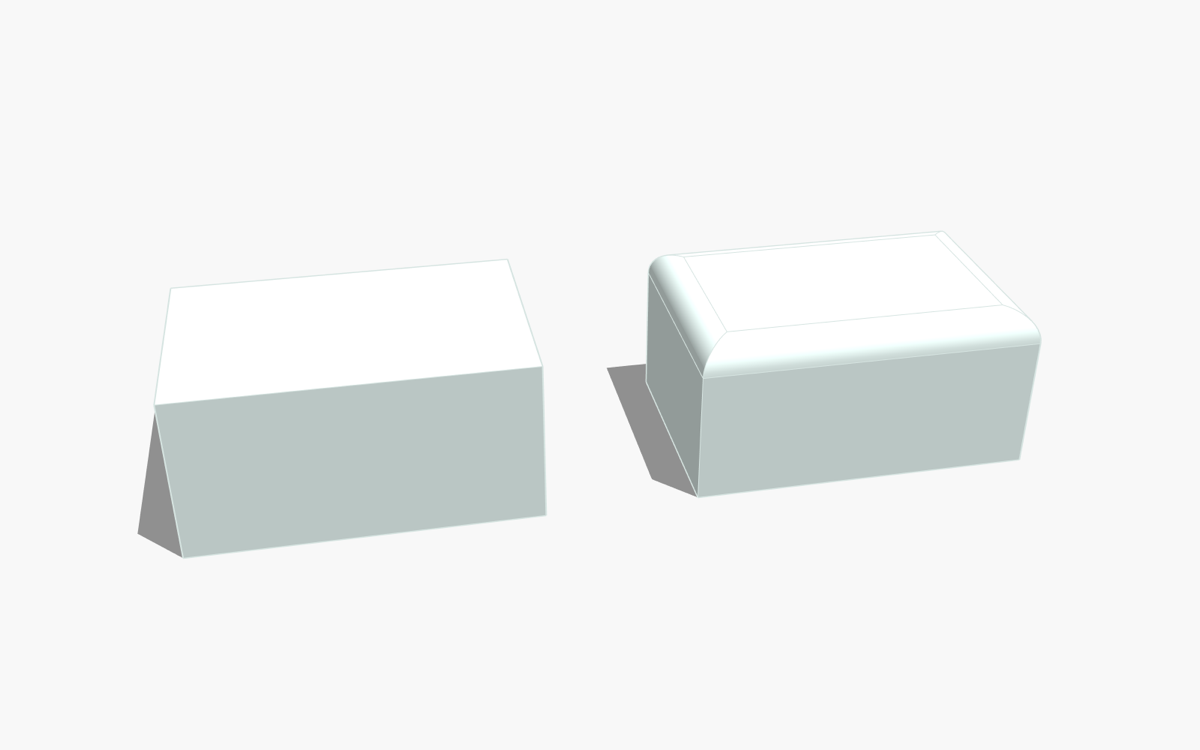
Round or chamfer selected edges in one step — positive radius = fillet, negative = chamfer. Outside and inside corners, chains of connected edges with mitre joints, a smart Pick Edge Chain selector, and 2D corner fillet / chamfer for flat faces. New in 1.5.1: inside corners now work when the end face has a hole, such as a window frame.
Membulatkan atau memotong miring edge terpilih dalam satu langkah — radius positif = fillet, negatif = chamfer. Sudut luar dan dalam, rantai edge bersambung dengan sambungan mitre, alat Pick Edge Chain, dan fillet / chamfer pojok 2D untuk face datar. Baru di 1.5.1: sudut dalam kini bisa dibevel walau face ujungnya berlubang, misalnya bingkai jendela.
InstallInstalasi
- Download the
.rbzabove. - SketchUp: Extensions › Extension Manager › Install Extension… and choose the
.rbz. - The toolbar appears automatically (otherwise View › Toolbars). Full guide: Tutorial.
- Unduh file
.rbzdi atas. - Di SketchUp: Extensions › Extension Manager › Install Extension… lalu pilih file
.rbz. - Toolbar muncul otomatis (jika tidak: View › Toolbars). Panduan lengkap: Tutorial.
FAQ
An edge was skipped.Ada edge yang dilewati.
The message names the reason — usually the radius is larger than the adjacent face, or several selected edges meet at one corner.Pesannya menyebut alasannya — biasanya radius lebih besar dari face di sebelahnya, atau beberapa edge terpilih bertemu di satu pojok.
Interface language.Bahasa antarmuka.
The extension uses an English interface; the tutorial and this page are available in English and Indonesian.Menu dan dialog extension memakai bahasa Inggris; tutorial dan halaman ini tersedia dalam bahasa Inggris dan Indonesia.
Uninstall.Uninstall.
Extensions › Extension Manager › select the extension › Uninstall.Extensions › Extension Manager › pilih extension › Uninstall.
Contact & bug reportsKontak & laporan bug
Buy me a coffee for IDR 10,000. That's less than a dollar. The plugin is free. The coffee is optional. My wife insisted on this button.